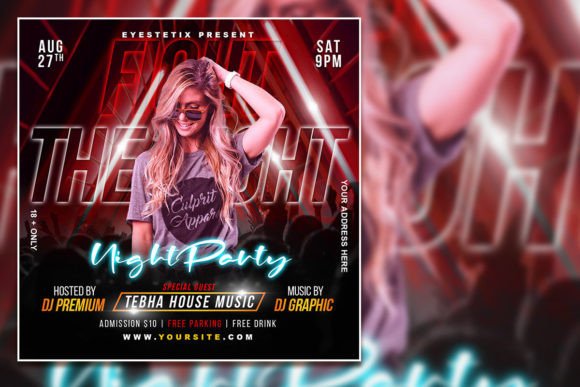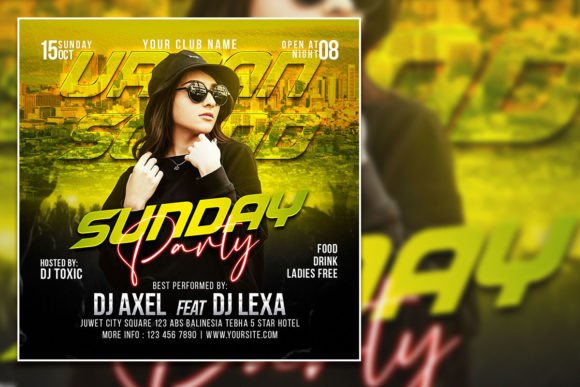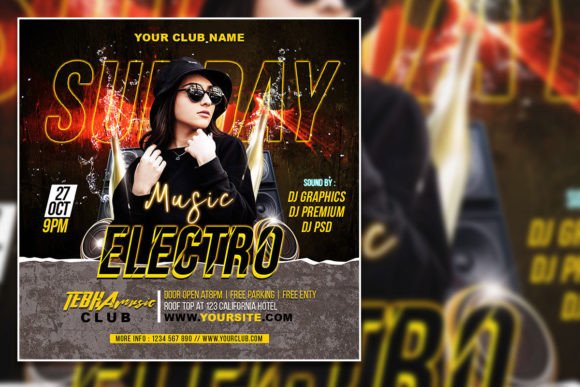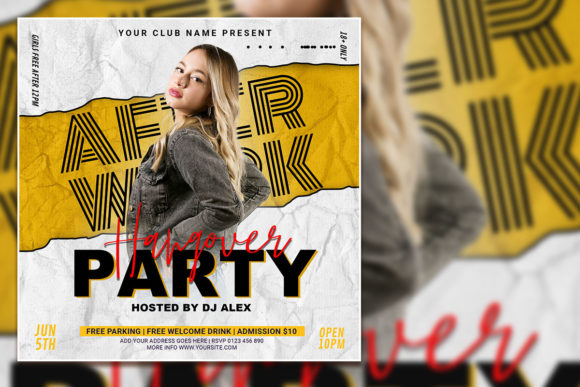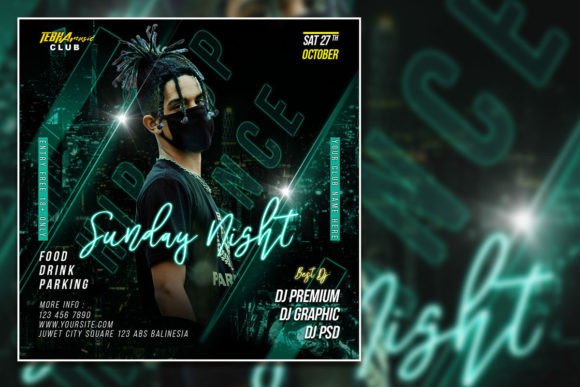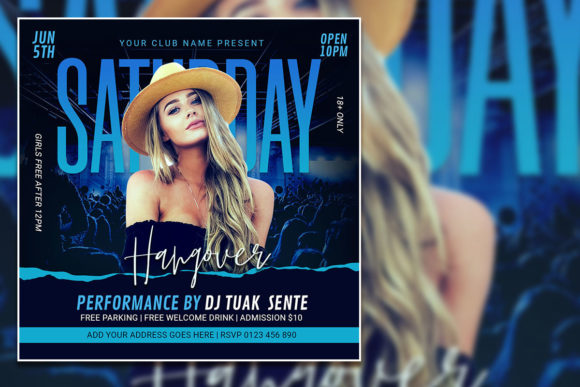
Saturday Night Party Social Media Post & Editable Flyer
That vibrant, eye-catching graphic you see for a weekend event often starts with a powerful template. A high-quality Saturday Night Party Social Media Post template is more than just a pre-made design; it's a foundational tool for creators. It provides the visual energy and professional structure needed to announce an event, set a mood, and grab attention instantly in a crowded feed. This specific template is designed as a fully editable party flyer, giving you complete creative control.
Imagine promoting a New Year's Eve bash, a club night, a birthday celebration, or a holiday gathering. The core appeal of this editable PSD template lies in its versatility and professional polish. Created in Adobe Photoshop, the file is organized with layers, making customization straightforward. You can seamlessly swap out the background photo for your own, change every line of text with the type tool, and adjust colors to match your brand or event's theme. The 2000x2000 pixel size at 300 dpi in RGB color mode ensures your final output is crisp and vibrant, whether it's for digital display or print.
Creative Applications Beyond a Simple Post
While perfect for a social media graphics campaign, the design's strength as a modern party editable PSD template allows it to serve multiple purposes. Consider using it for:
- Printed Invitations & Flyers: Export a high-resolution version for physical handouts or posters.
- Event Branding: Maintain visual consistency by using the template's style for Instagram stories, Facebook event covers, and even website banners.
- Merchandise Mockups: The bold design can inspire themes for t-shirts, hats, or stickers sold at the event.
- Editorial Layouts: A magazine or blog covering nightlife trends could use similar design assets for featured articles.
This approach helps build a cohesive brand identity around your event, making it feel more professional and memorable. The Photoshop template acts as your central design asset, ensuring every touchpoint looks unified.
Tips for Selecting and Using Design Templates
Choosing the right template, like selecting a premium font or creative font, requires a keen eye. First, assess the mood. Does the template's aesthetic—its color palette, layout, and modern typography—align with your event's vibe? A sleek, minimalist design suits a sophisticated lounge, while a high-energy, neon-infused template fits a dance party.
Next, evaluate its flexibility. Can you easily change the font? The instructions here are clear: use the text tool in Photoshop. This is crucial for matching your existing brand identity or creating a unique logo design feel for the event. Always check the license to ensure it covers your intended use, whether for personal projects or commercial promotion.
Finally, consider font pairing. If you decide to change the typeface, think about contrast and hierarchy. A bold display font for the headline paired with a clean sans serif font for details often creates excellent readability. The goal is to make your message clear at a glance, especially for a poster design or fast-scrolling social media post.
Ultimately, a well-chosen template like this night party flyer template