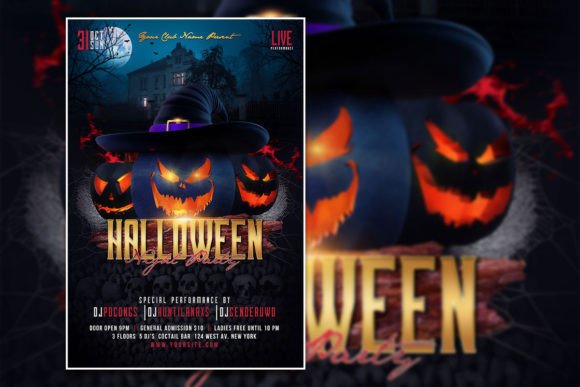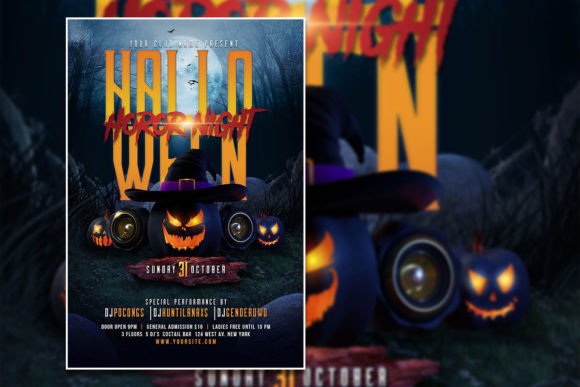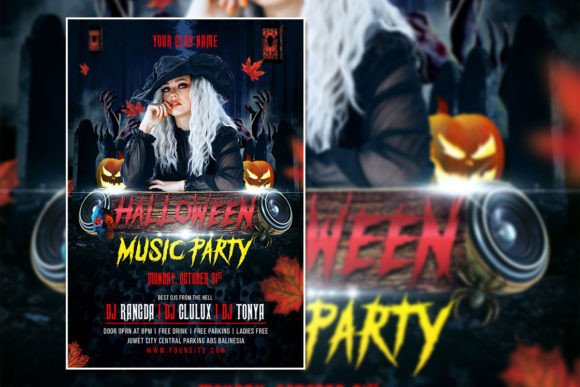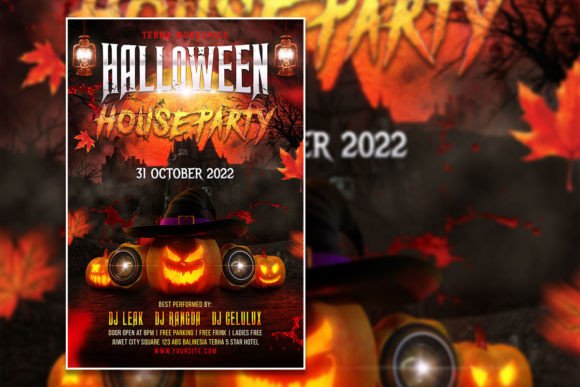
Create a Spooky Halloween Night Flyer or Poster
When the crisp autumn air arrives and jack-o'-lanterns begin to glow, the need for compelling visual promotion skyrockets. A well-designed Halloween Night Flyer or Poster is more than just an announcement; it's an invitation to an experience, setting the tone for a night of frights and fun. The right design asset can transform a simple event into the most anticipated party of the season, capturing the eerie excitement before a single guest arrives.Why an Editable Template is a Designer's Secret Weapon
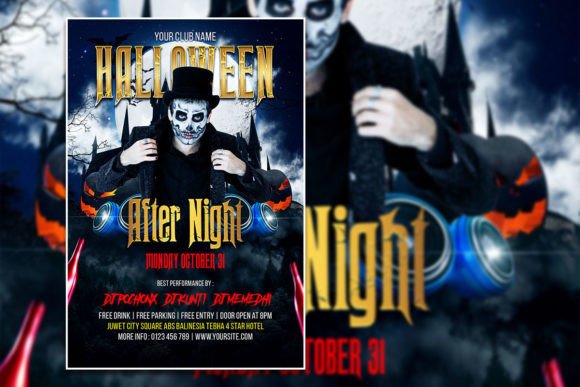
Imagine promoting a haunted house, a costume contest, a themed bar night, or even a community pumpkin-carving event. Each has a distinct vibe. A generic flyer won't do. With an editable Halloween flyer template, you can swiftly adapt the core design to match any theme. Swap out the placeholder photo for your own atmospheric shot—perhaps a misty graveyard or a close-up of intricate makeup. The text is fully editable, allowing you to change not just the wording but the font itself to align with your brand identity.
This flexibility is crucial for maintaining a consistent visual language across all your design assets. The same template can be adapted for a social media graphics campaign, a printed poster for local shops, and even a digital invitation. Using a consistent typeface and color scheme across these touchpoints builds recognition and makes your event look polished and professional from every angle.
Practical Applications Beyond the Party Flyer
The utility of a Halloween-themed design template extends far beyond event promotion. Consider these creative use cases:
- Packaging & Merchandise: Create spooky labels for seasonal products, design tote bags, or craft unique merchandise. The high-resolution file ensures your designs look sharp on both digital screens and printed materials.
- Digital Products & Web Design: Use the template as a base for creating Halloween-themed blog graphics, website banners, or even downloadable digital art. The RGB color mode is optimized for vibrant screen display.
- Editorial & Content Creation: Bloggers and content creators can use elements from the template to design eye-catching featured images, Pinterest pins, or Instagram story backgrounds that stand out in a crowded feed.
Tips for Choosing and Using Your Template
Not all templates are created equal. To ensure your final design is effective, keep these points in mind:
- Check Readability: While spooky script fonts or display fonts look amazing, ensure your key information (event name, date, time) is legible at a glance. You might pair a decorative headline font with a clean sans serif font for details.
- Match the Mood: Does the template's aesthetic fit your event's theme? A vintage horror poster look differs greatly from a modern, neon-glow vibe. Choose a typeface and color palette that tells the right story.
- Test Font Pairings: Don't be afraid to experiment. The template's layered PSD file allows you to easily test different font pairings. A strong serif font can add a classic, authoritative feel, while a handwritten font adds a personal, eerie touch.
- Verify the License: Always confirm the license allows for your intended use, especially for commercial projects like selling merchandise or promoting a paid event. This ensures you're using the font download and graphics legally.